John Felix
Lock IT
Lock the app, not the Mac.
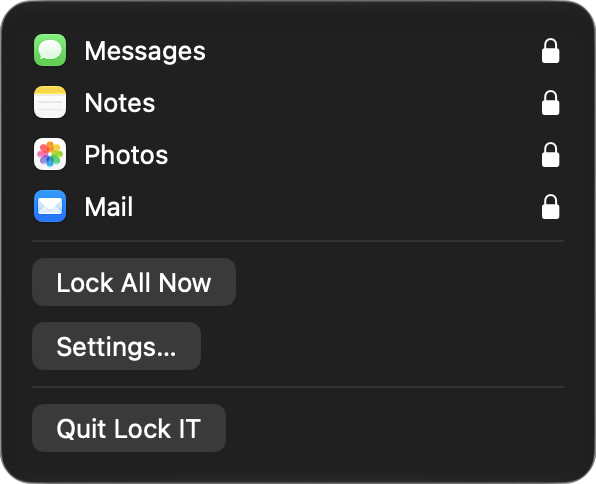
Lending someone your Mac for a minute? Lock IT keeps the apps you choose out of sight. Pick them once. From then on Lock IT hides them and asks for Touch ID before they open.
Unlocked apps lock again on their own after 1, 5 or 15 minutes away from them, or only when you say so. You can lock everything at once from the menu bar.
What it is not. Lock IT keeps casual snoops out of your apps on a Mac that is already unlocked. It is not a vault: someone who knows your Mac password can get around it, and force-quitting Lock IT turns protection off. Notifications and previews from protected apps are not hidden.
- Status
- Coming to the Mac App Store
- Platform
- Mac · macOS 27
- Unlock
- Touch ID
- Price
- Free for one app · Pro $6.99, one payment
- Made by
- John Felix